Latest release

Automate every WhatsApp conversation.
At any scale.

WAutoChat centralizes your sessions, orchestrates AI-powered conversation flows, runs broadcast campaigns and keeps your data on your own infrastructure.

Or deploy with Docker: docker compose up -d

WAutoChat screenshot App screenshot coming soon
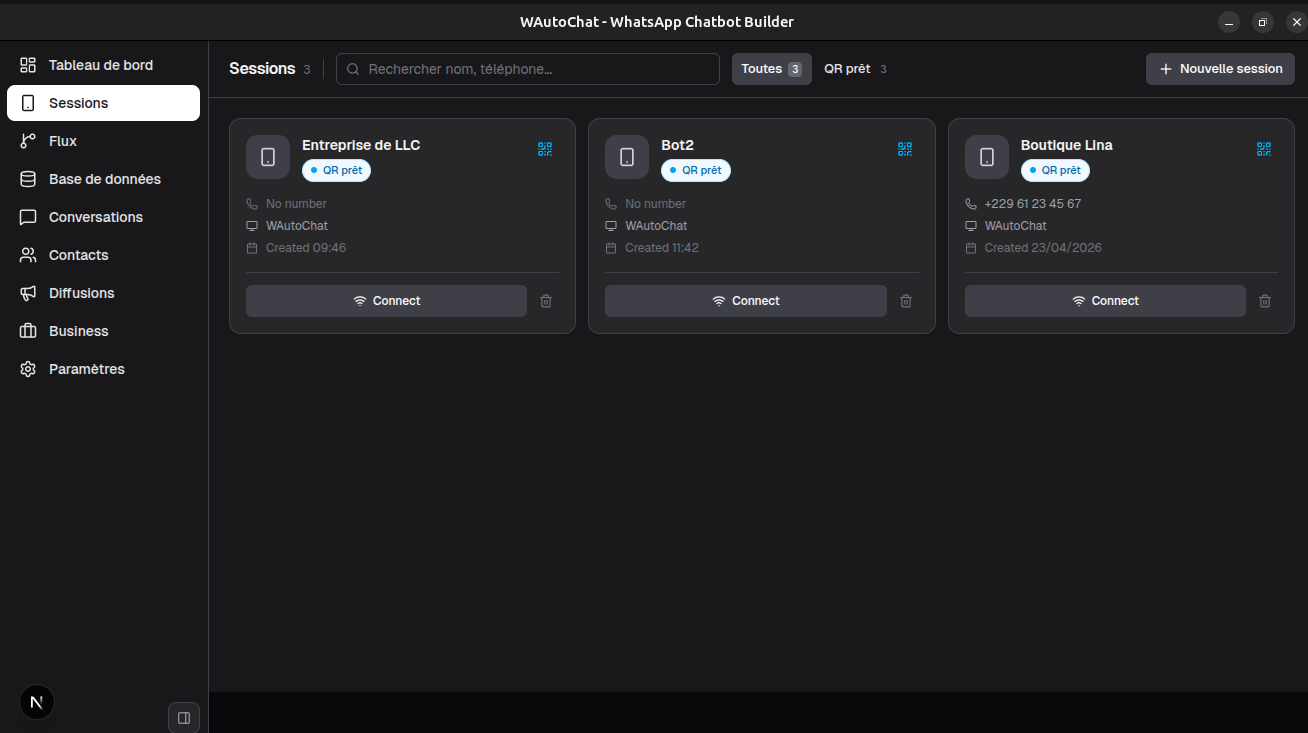
Multi-session Run several WhatsApp accounts simultaneously
AI-powered GPT-4, Claude, Gemini — your choice
Self-hosted Your data, your server, full control

Everything you need to automate WhatsApp

Built for teams, solopreneurs and developers who need reliable WhatsApp automation without complexity.

Multi-session management

Connect and manage multiple WhatsApp accounts from a single interface. Switch between sessions instantly without logging out.

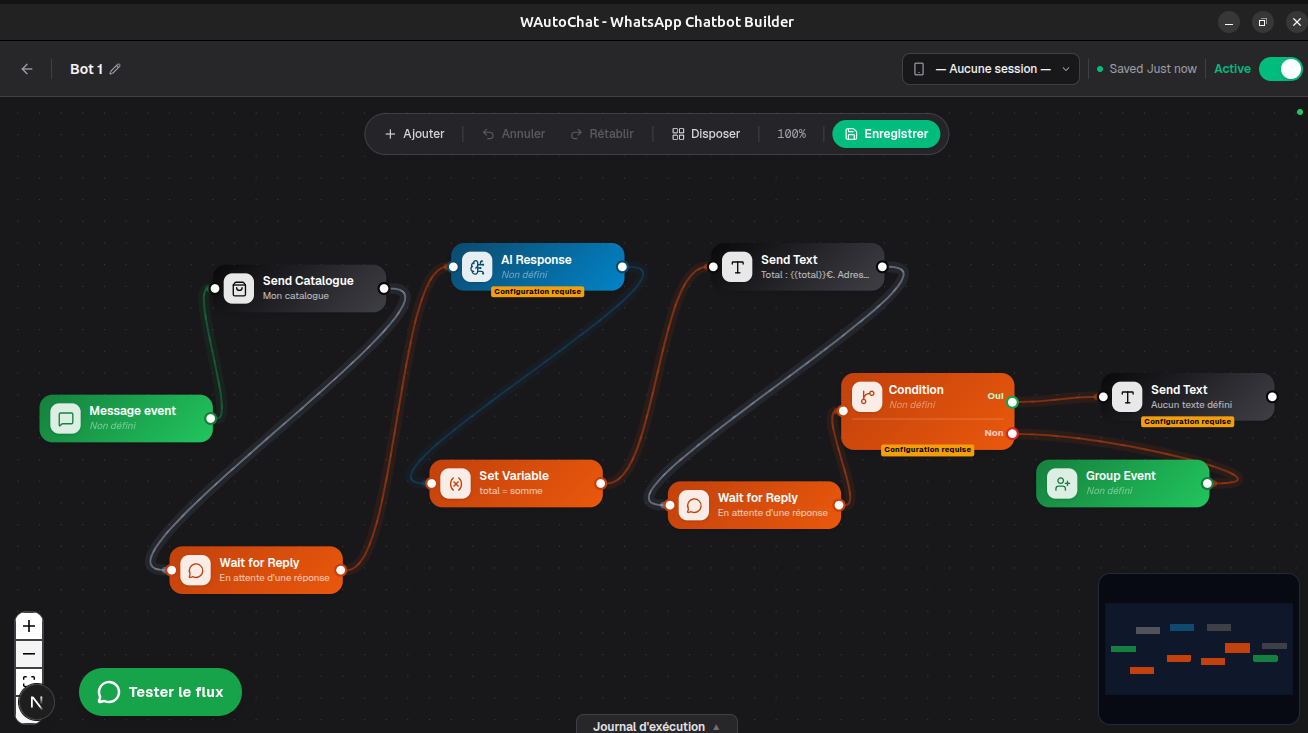
Visual Flow Builder

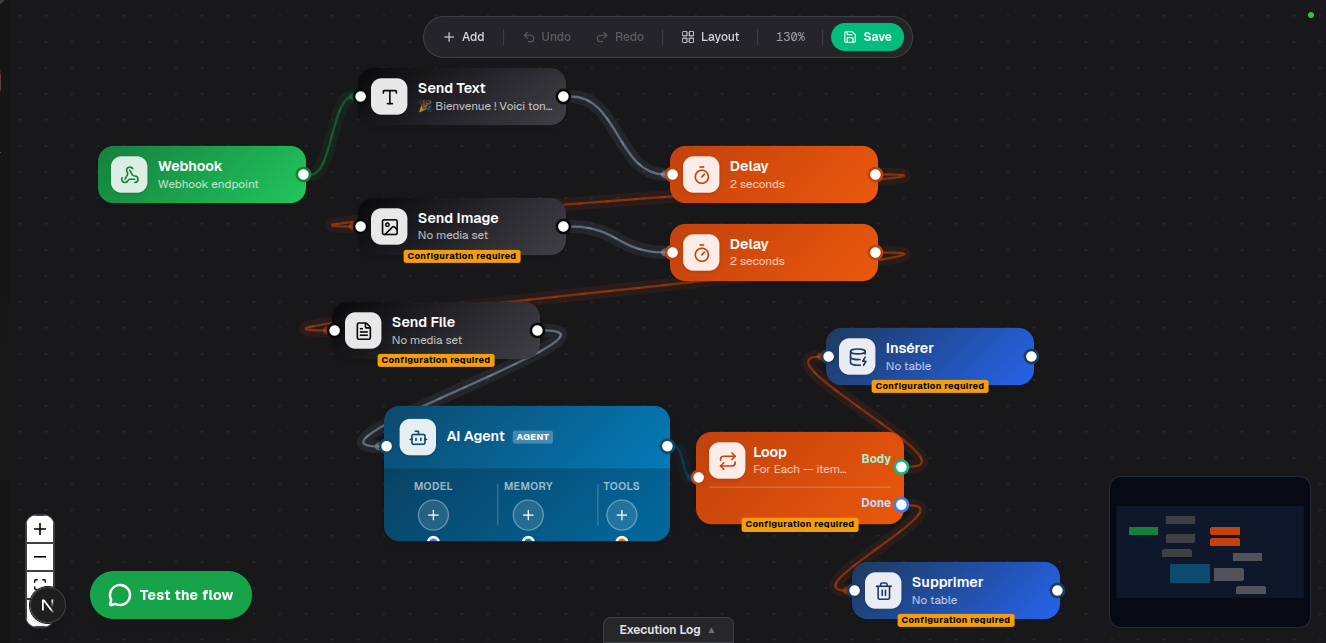
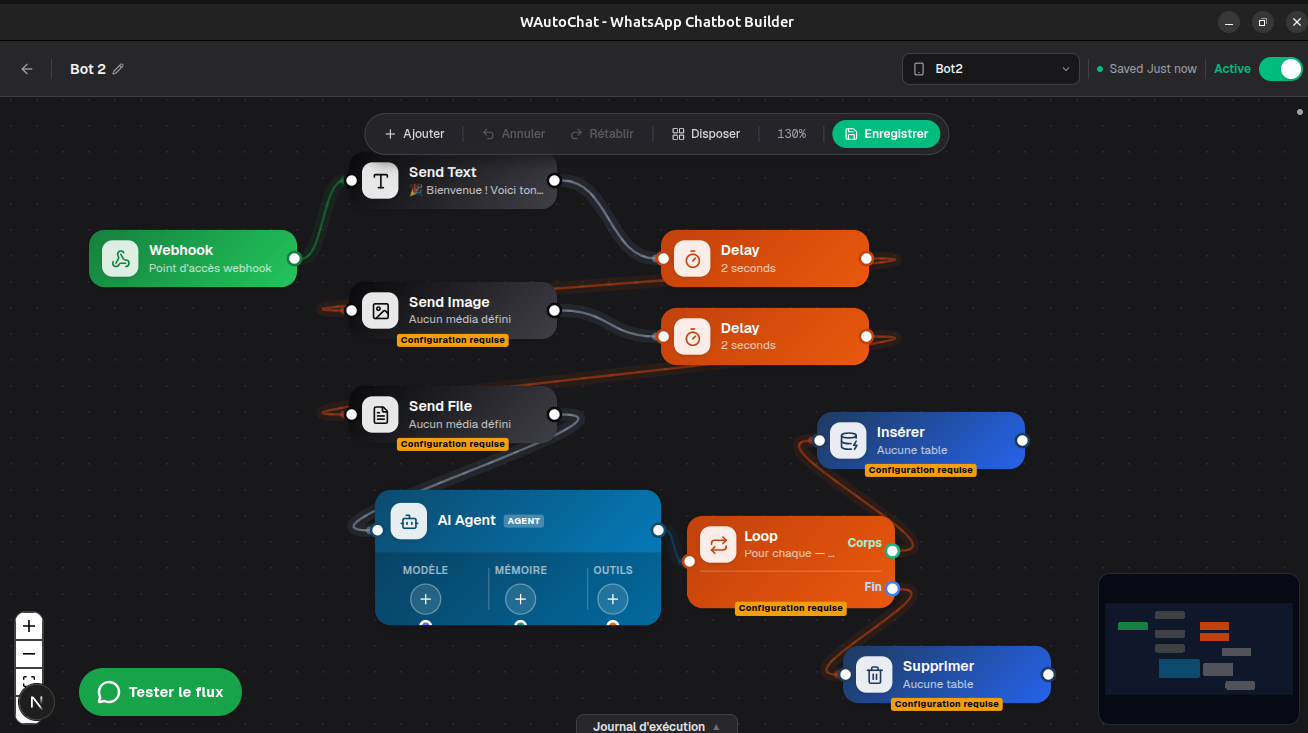
Design conversation flows with a drag-and-drop editor. Build chatbots, lead funnels and support trees without writing code.

AI Integration

Connect GPT-4, Claude, Gemini or any OpenAI-compatible API. Let AI handle conversations, classify intents and generate replies.

Broadcast Campaigns

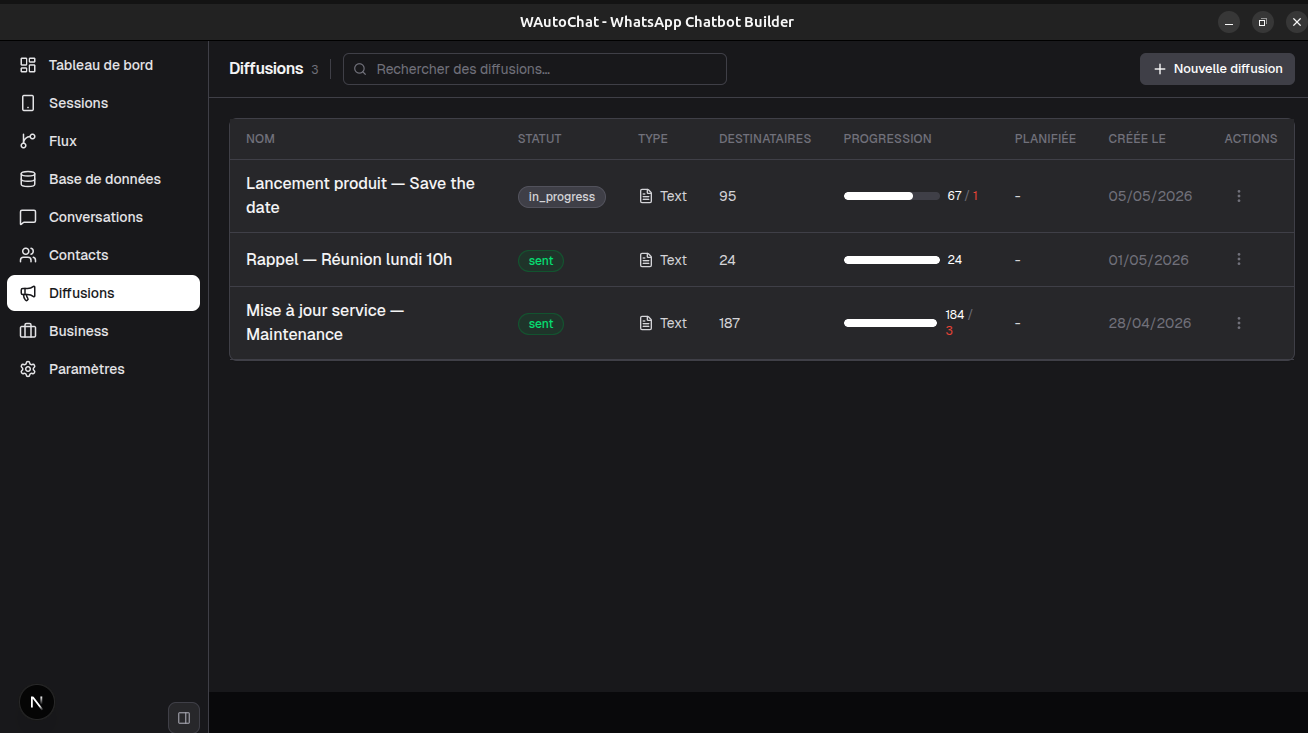
Send personalized messages to thousands of contacts with smart delays to avoid bans. Track delivery and read rates in real time.

Contact & CRM

Sync contacts, assign labels, track conversations and manage your customer base — all in one place without third-party tools.

Desktop app + Self-hosted Docker

Run as a native desktop app on macOS, Windows and Linux — or deploy as a Docker container on your own VPS with one command. Your data never leaves your infrastructure.

See it in action

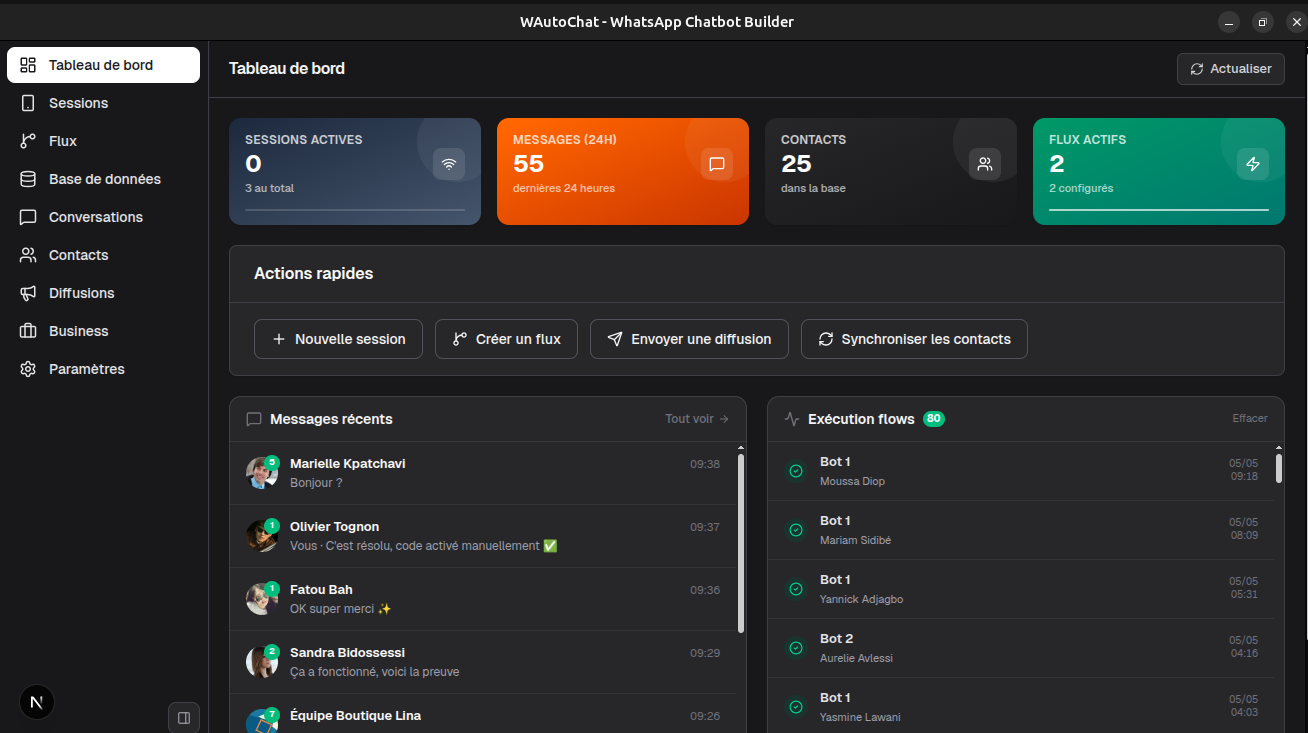
Dashboard Dashboard — coming soon

Tableau de bord principal avec vue des sessions

Flow builder Flow builder — coming soon

Éditeur de flux visuel pour l'automatisation

Broadcast Broadcast — coming soon

Gestionnaire de campagnes de diffusion

Sessions Sessions — coming soon

Sessions WhatsApp multi-comptes

Node config Node config — coming soon

Configuration détaillée des nœuds du flux

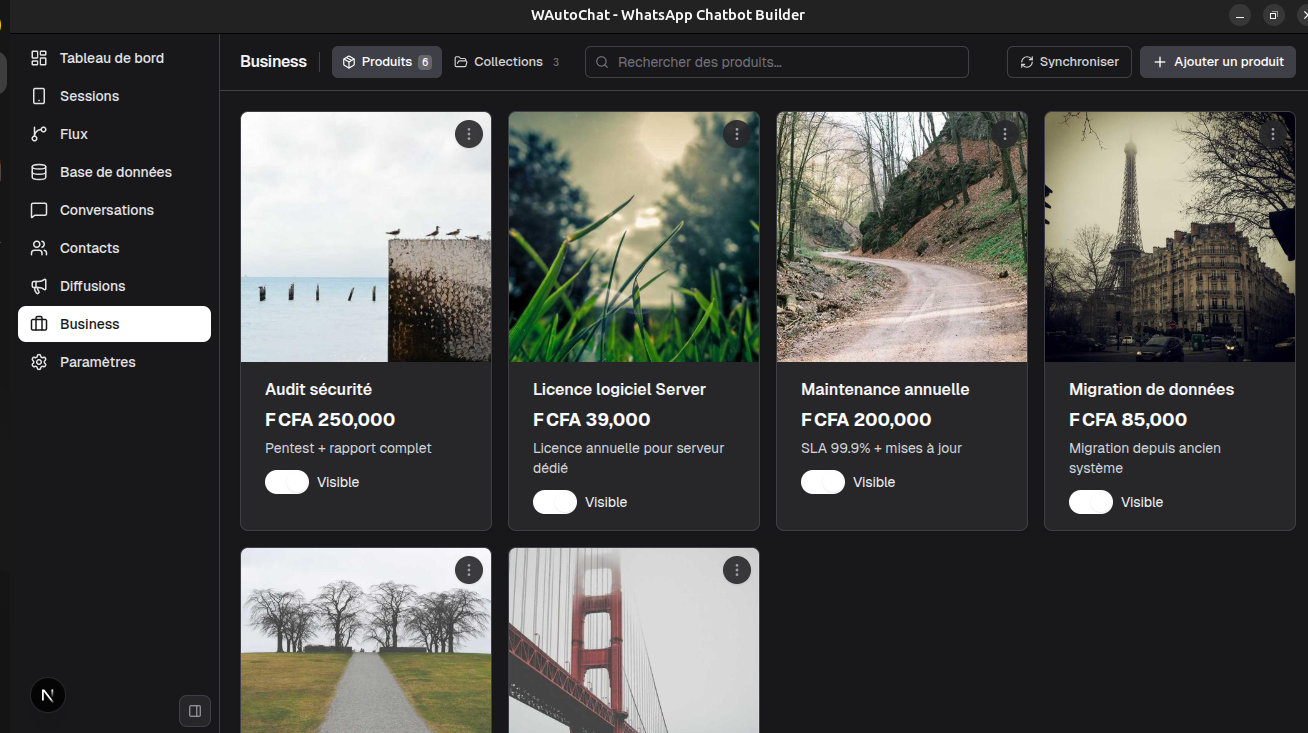
Products Products — coming soon

Catalogue produits intégré

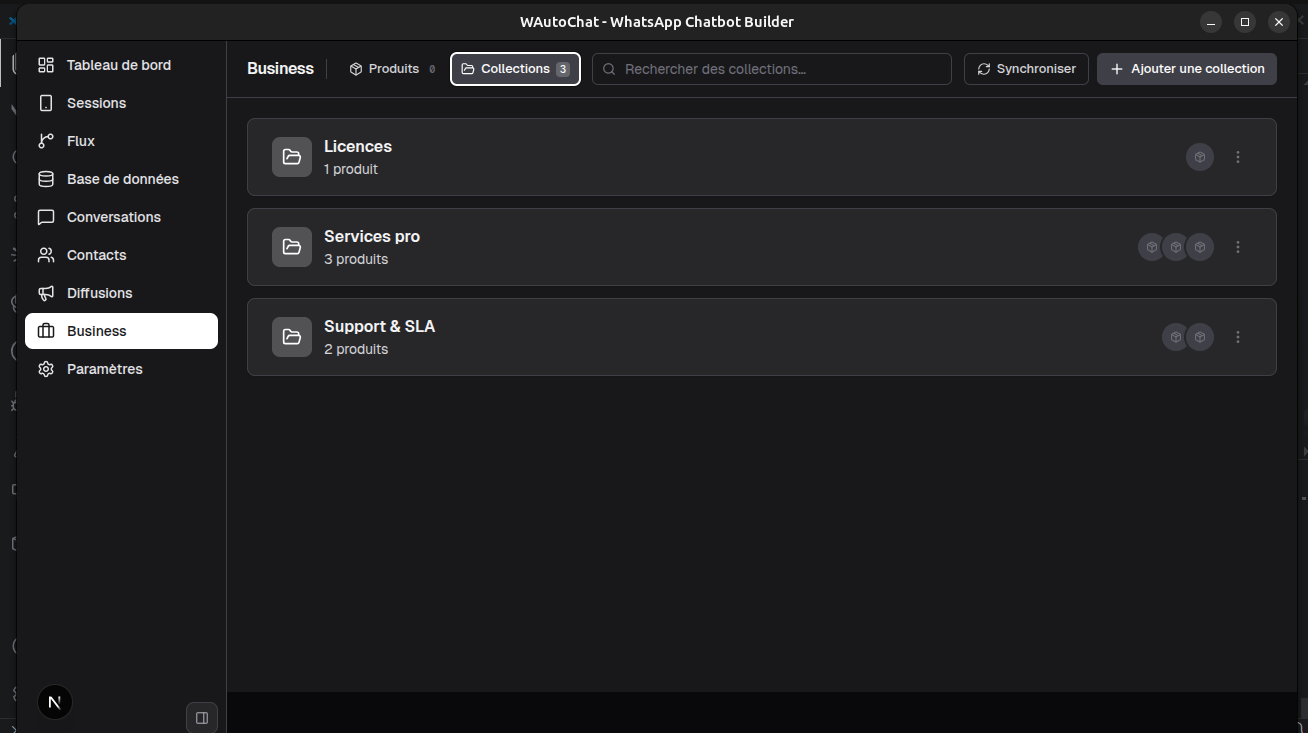
Business Business — coming soon

Espace business unifié — produits & collections

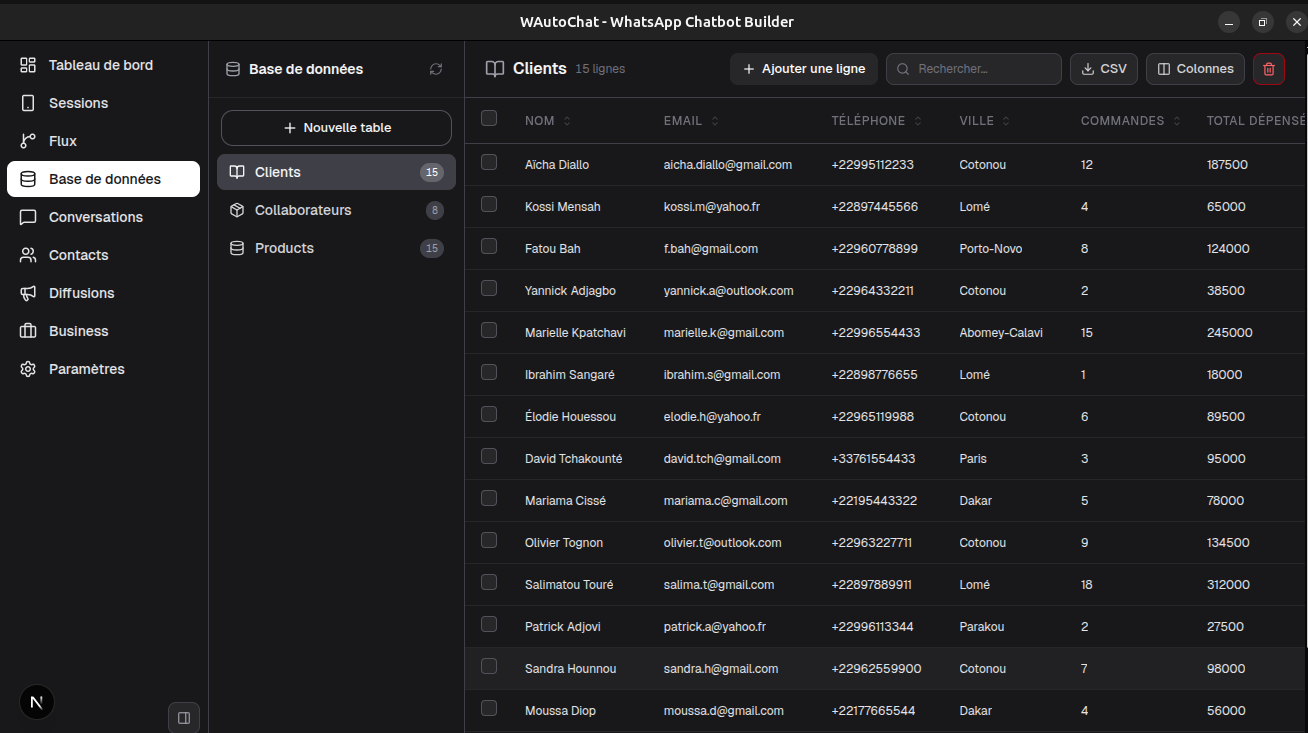
Database Database — coming soon

Base de données no-code personnalisable

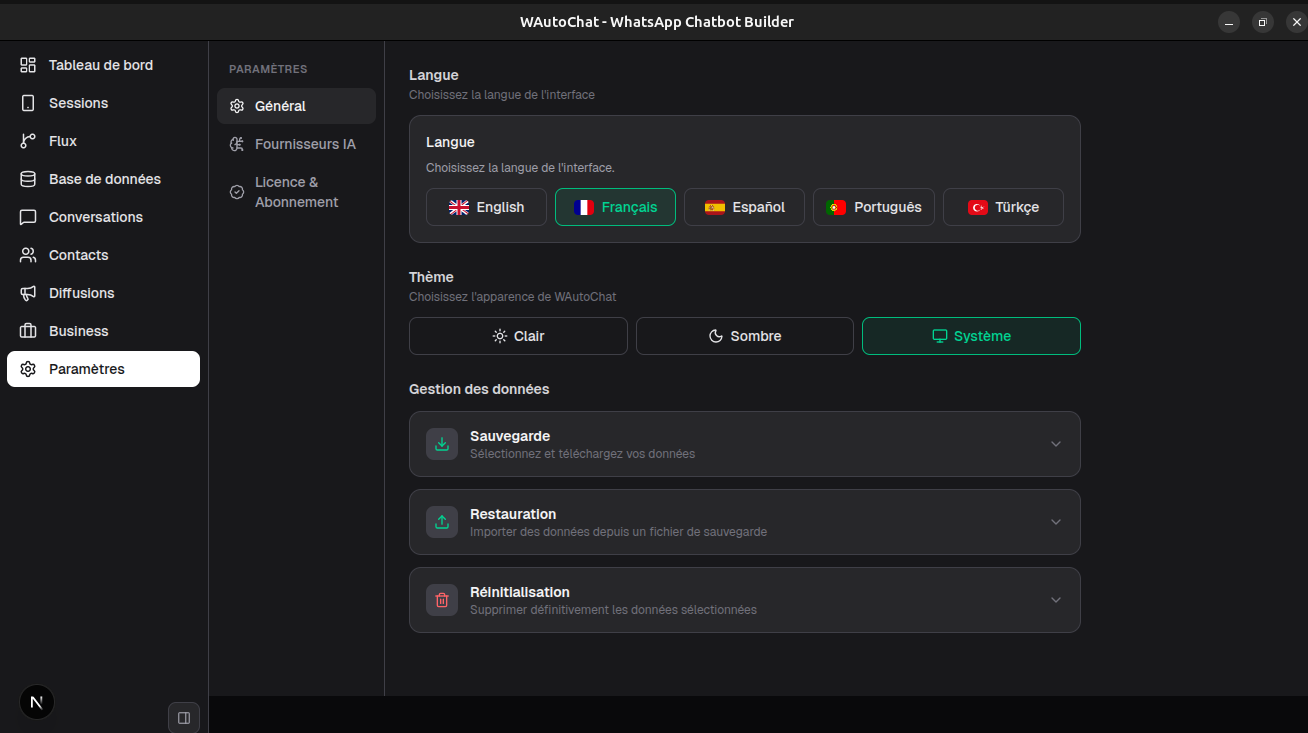
Settings Settings — coming soon

Paramètres et licence en un coup d'œil

Get started in minutes

Choose the installation method that fits your workflow.

Download for macOS

Native app for Apple Silicon (M1/M2/M3/M4) and Intel Macs.

  1. 01 Download the .dmg file
  2. 02 Open it and drag WAutoChat to Applications
  3. 03 If macOS blocks the app — right-click → Open, or System Settings → Privacy & Security → Open Anyway
  4. 04 Launch the app and scan your WhatsApp QR code

Ready to automate?

Download WAutoChat and connect your first WhatsApp session in under 2 minutes.